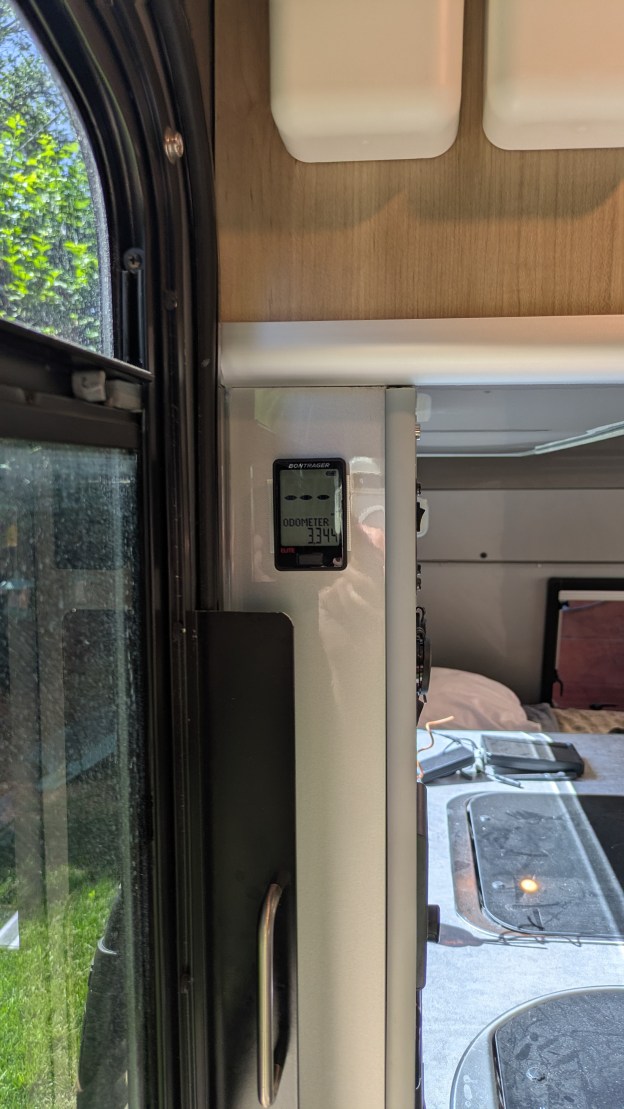
Now that we’re putting miles on the trailer, an obvious question arises: Precisely how many miles? Even on my bikes I use an odometer to track miles for maintenance intervals, more important really than a speedometer. I can track mileage on the tow vehicle’s odometer but it’s often incrementing while detached from the trailer, kind of the point of a trailer vs a motorhome. I need an easy way to measure mileage on just the trailer.
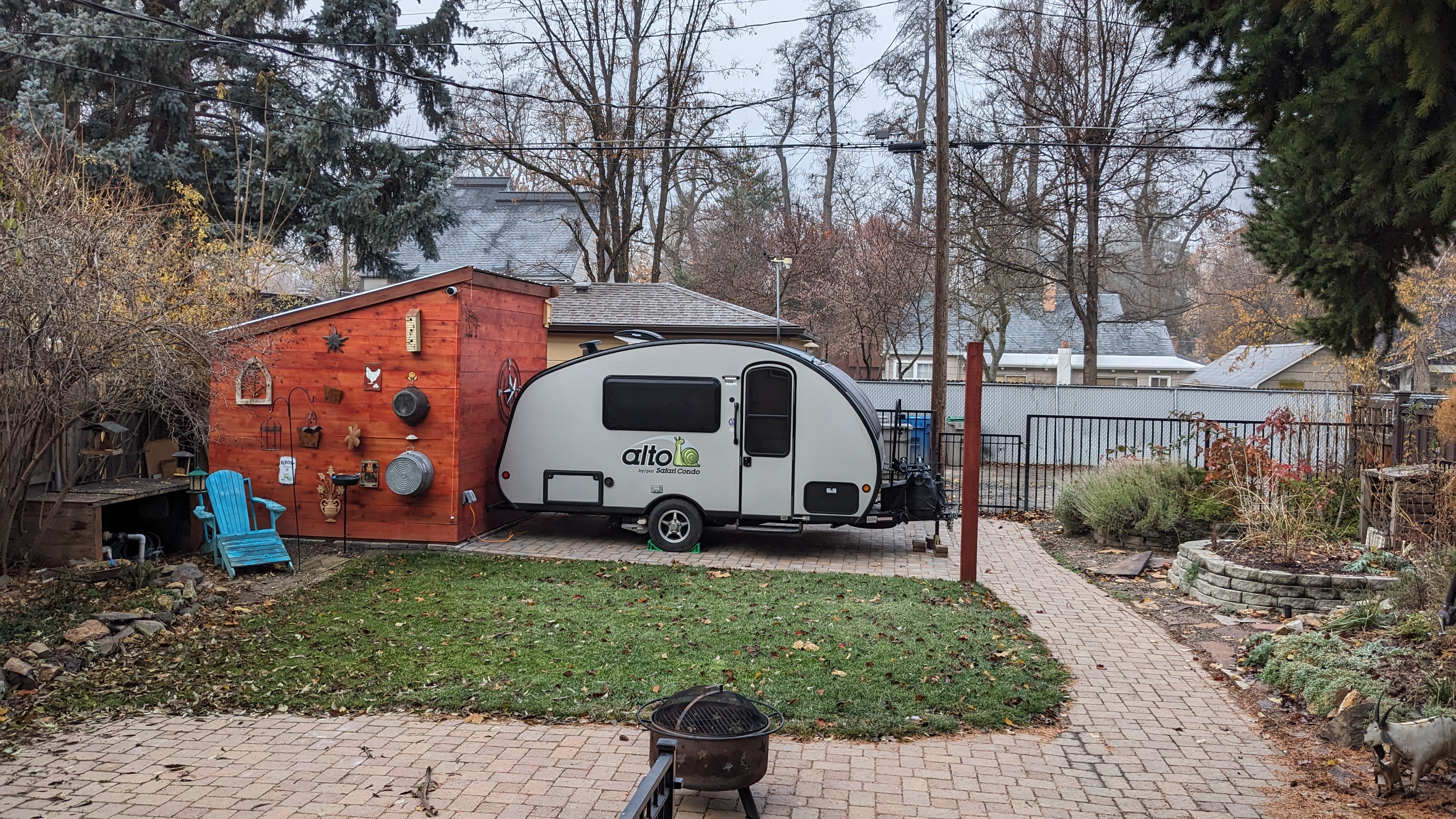
I found plenty of hub odometers like this one for trailers. But they make my trailer look like a piece of rental equipment. And the mechanical complexity seems awfully high when all I need is something that can count wheel rotations. My bike computers do this just fine, I wondered if I could adapt one for the trailer.

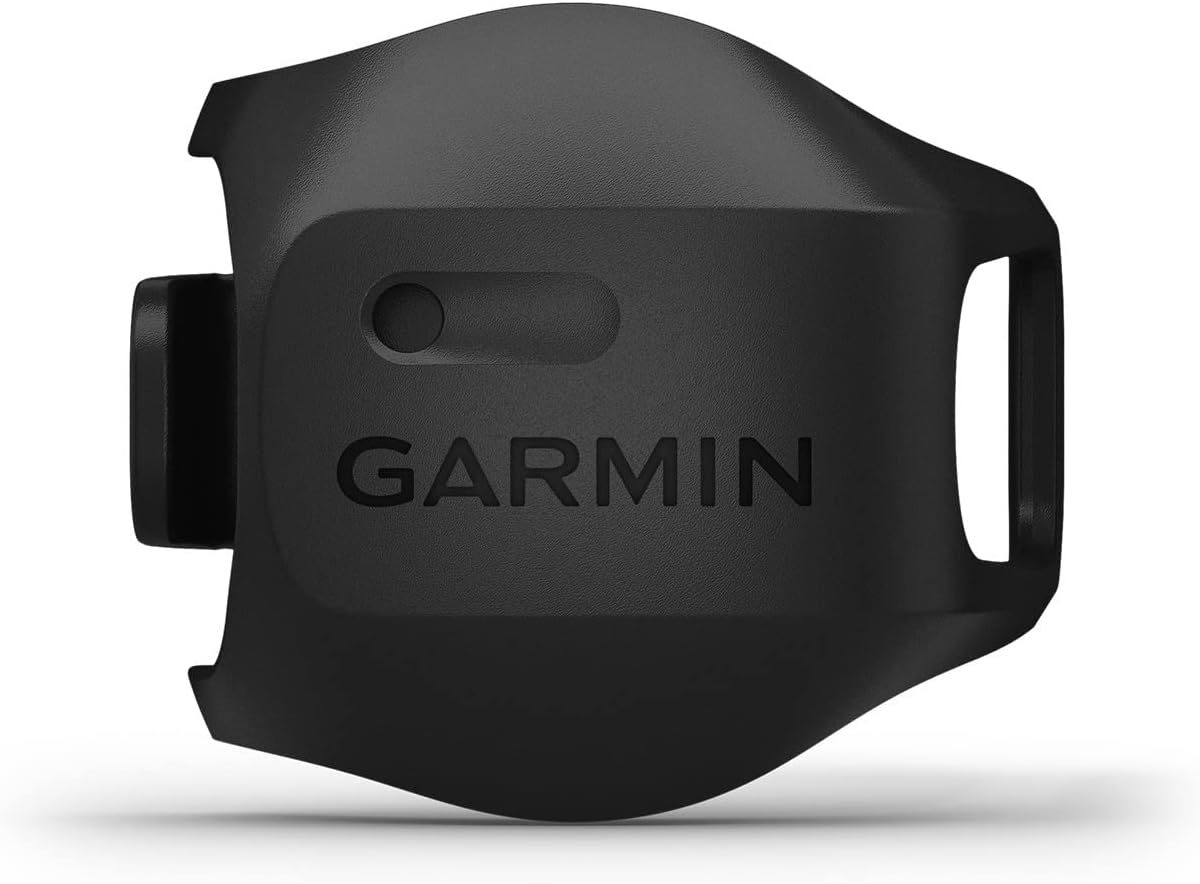
Bike computers use various methods for measuring distance: GPS, counting wheel rotations with a magnet, and counting wheel rotations with an electronic gyroscope/accelerometer (IMU). GPS works OK but there are times when coverage can be lost (tunnels, heavy tree cover) and it’s a pretty heavy hammer for a problem that can be solved by just counting wheel rotations. Counting rotations with a magnet works well enough on a bike but magnet alignment is critical, mechanical complexity I didn’t want to deal with on the trailer. Plenty of bicycle hub sensors use an IMU but they must be paired with a head unit (display). Sensors like these require a battery, annoying enough, and the head unit would require yet another battery and some place to mount it, just to read a single odometer value. In many cases the head unit is a phone which wouldn’t work because the phone likely won’t be in communication range while the sensor is adding up and communicating miles. However the Garmin Speed Sensor 2 is a uniquely stand-alone sensor that measures distance by counting wheel rotations with an IMU, storing the resulting odometer value in its own non-volatile memory. It does this even without being paired with a head unit. And I just happened to have one gathering dust on a trike we use as an indoor trainer during winter.
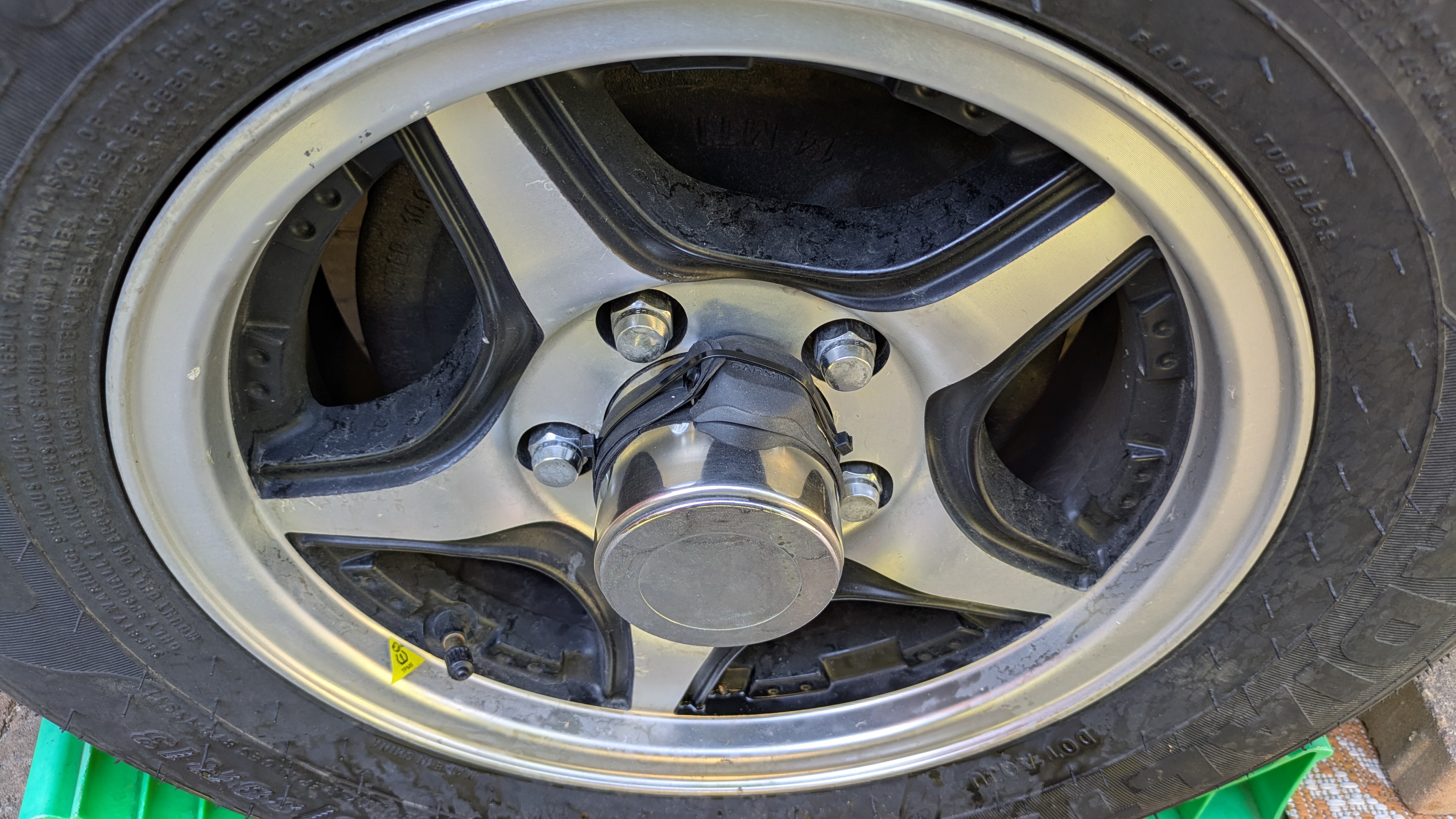
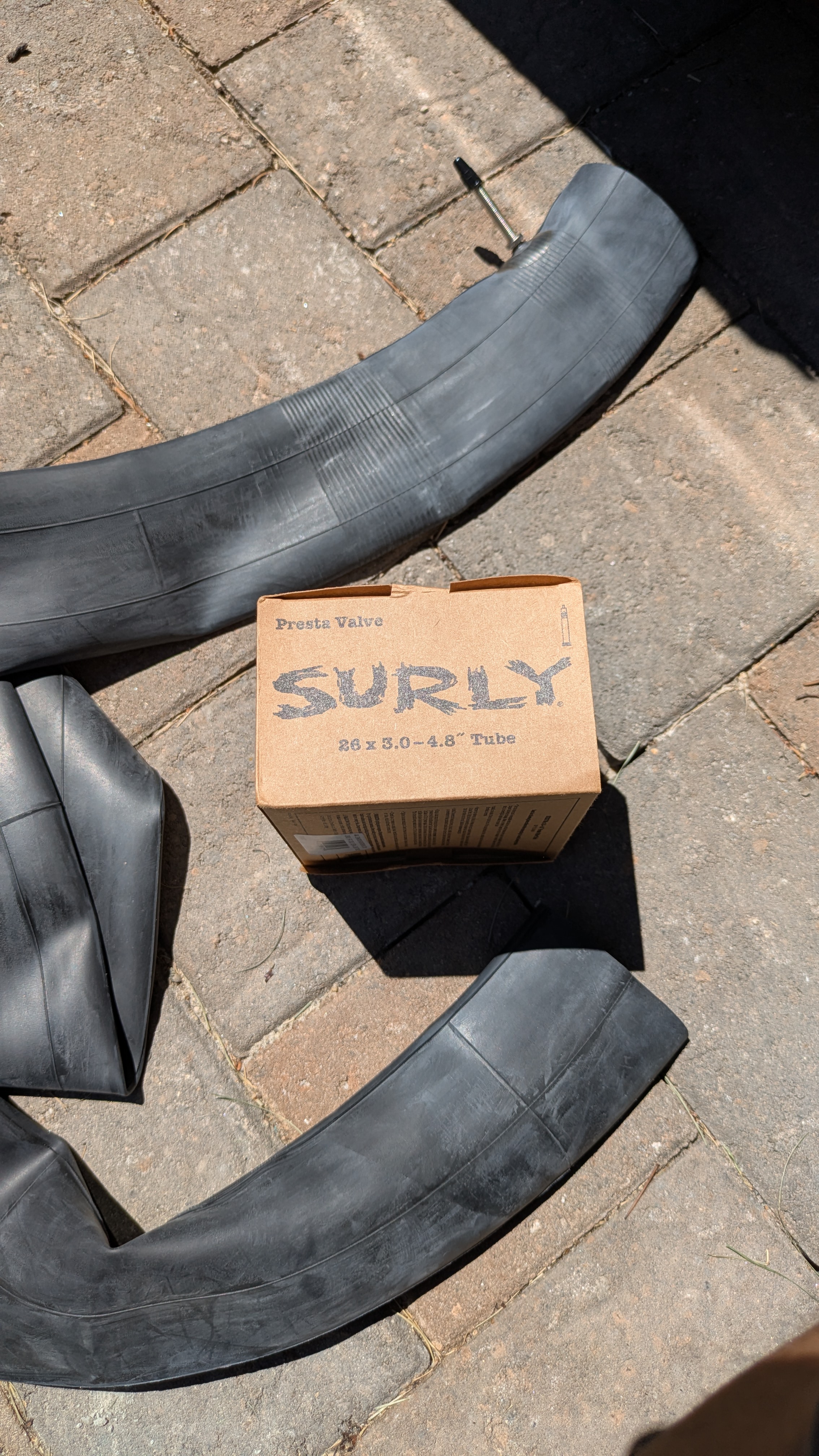
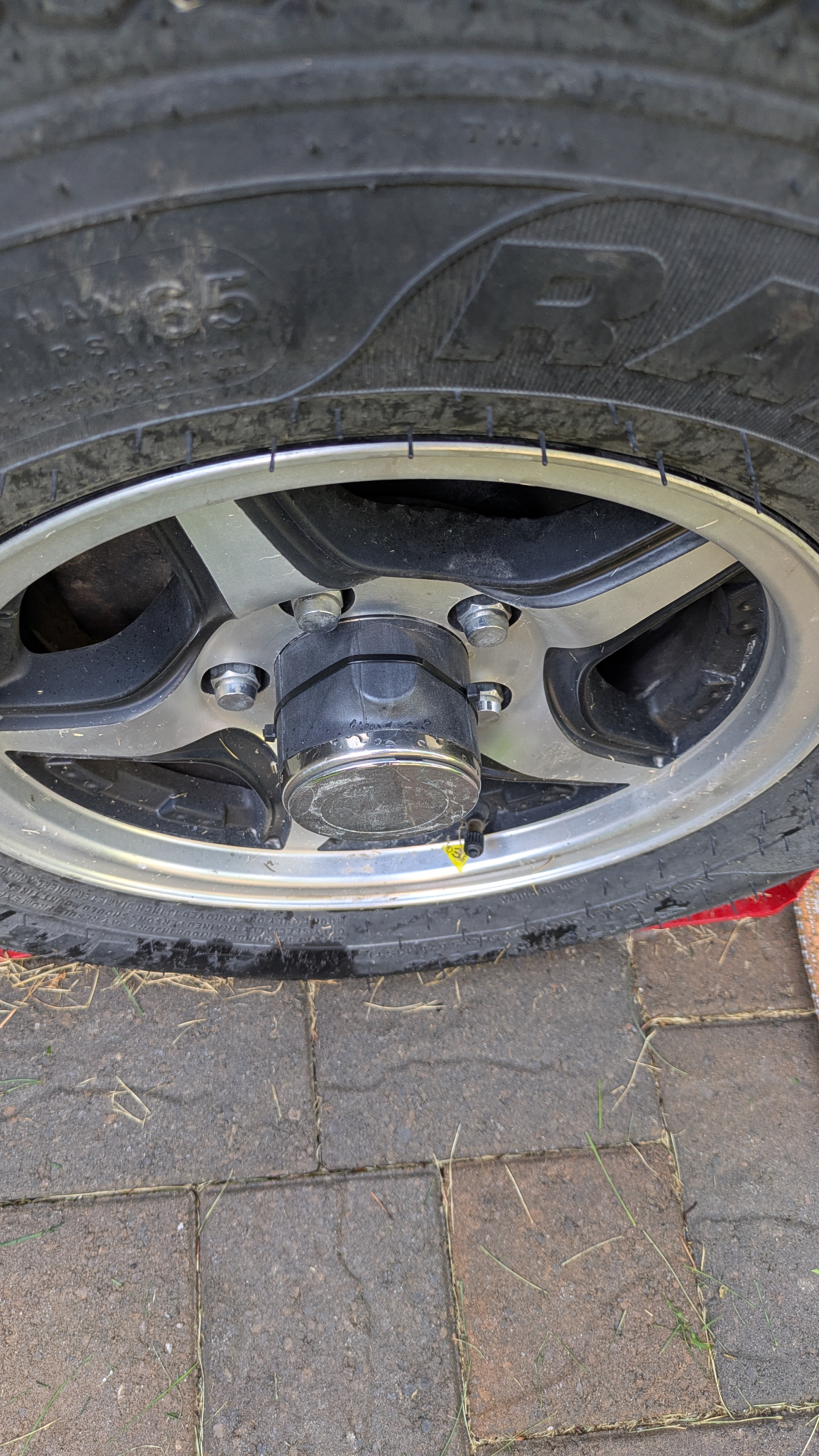
The Garmin device sits in an elastic holder that stretches around a bicycle hub, allowing it to rotate around the axis of the hub. The dust cap on our Safari Condo Alto F1743 is essentially a bigger hub with the advantage that I can easily get to it from one side, outside the trailer. The Garmin holder isn’t designed for such a large circumference so I extended it by cutting up an old bicycle inner tube. I mounted it on the dust cap just like I would on a bicycle hub, then added a zip tie around it for good measure. The sensor communicates via Bluetooth with my phone where I use the Garmin Connect app to read the current odometer setting. Since the sensor stores the value internally in non-volatile memory, it is remembered through battery swaps. And since my trailer already had miles on it before this project, I entered an initial estimated odometer value using the app.
The sensor does more than measure distance: it also stores speed and distance information for each “trip” and sends the latest to the app whenever it connects. Eventually it will fill up its trip memory and begin overwriting trips if it doesn’t see a phone connection in time. But the odometer setting is accurate no matter the interval between connections. I don’t care about the trips and ignore them.
Setting this all up is pretty simple:
- Install the Garmin Connect app on an Apple or Android phone
- Pair the sensor’s Bluetooth with the phone
- In Garmin Connect, add the sensor, set the wheel circumference (2030 mm for my 13″ wheels), and set the initial odometer value
- Install the sensor on the wheel’s dust cover as described above
This solution has a lot going for it:
- Inexpensive ($40 for the Garmin Speed 2 sensor, which I already owned)
- Mechanically simple
- Easy to install and remove
- Weighs almost nothing
- Probably not as accurate as a mechanical trailer hub odometer but plenty good enough
- No additional display, just a phone app
And one glaring con:
- Requires a CR032 battery. I should easily get a year of life out of a battery. Probably quite a bit longer but it’s easy enough to replace so will probably do that at the beginning of each season, just as I do with some of the other batteries used in the trailer.
And, it turns out, one complete showstopper:
- While the Speed 2 sensor does maintain distance locally, it only does it on a per-trip basis. It doesn’t maintain a single running odometer value. To get this one would have to add up the distances for all of the trips stored on the device. Easy enough, except the device memory is limited and once full, memory is freed up by deleting the oldest trip(s). Whoops. It’s as if Garmin didn’t intend their Speed 2 sensor to be used as a DIY RV odometer. Go figure.
So back to the drawing board. It is possible to create my own DIY sensing device like the Speed 2, but with my own firmware that would maintain a running odometer value. I went down this rabbit hole long enough to realize I didn’t have the time or energy to tackle such a project right now. Even retirement has its practical limits.
One last attempt
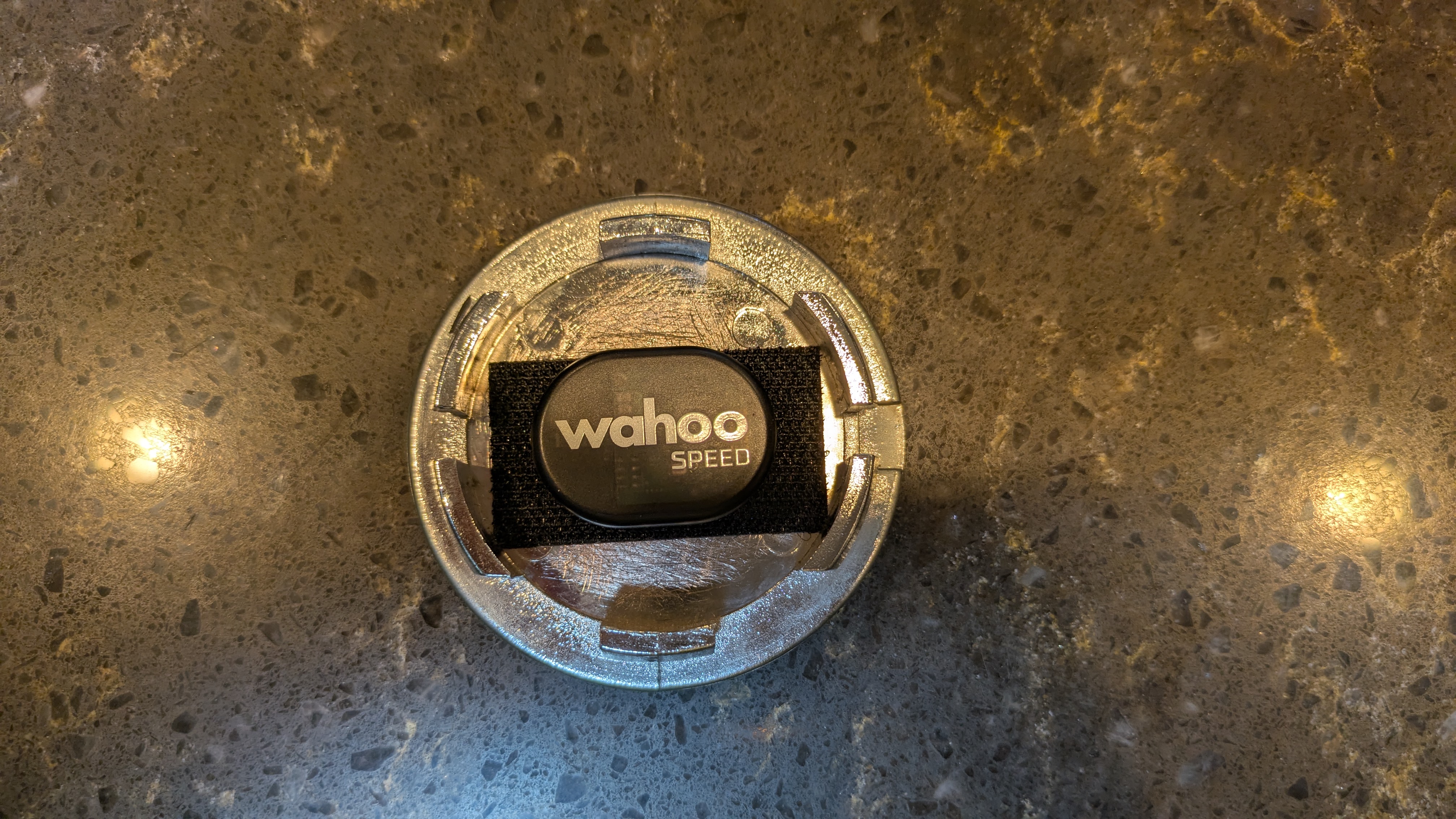
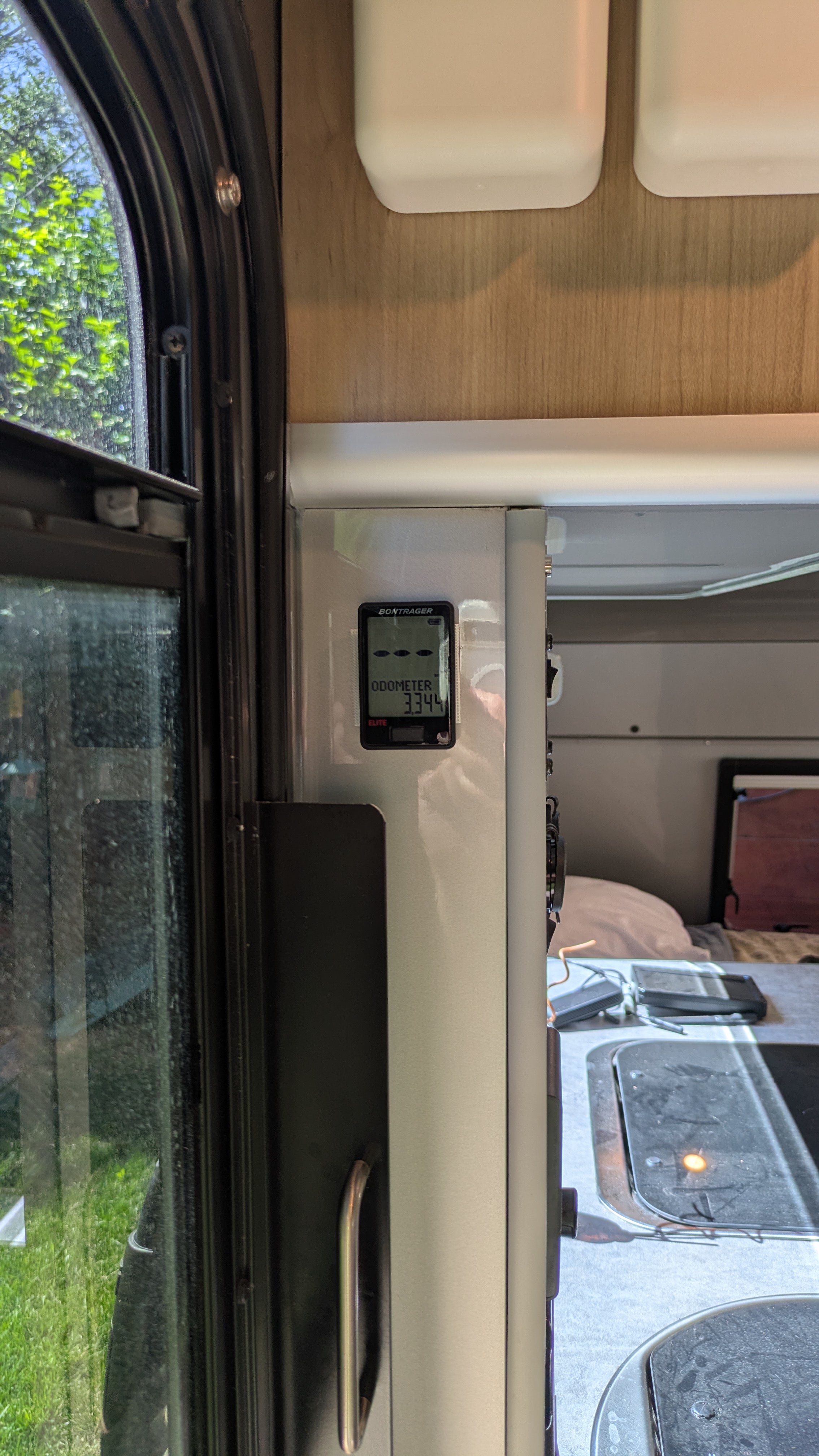
Not to worry, I had yet another bike speed sensor gathering dust in my garage, this time a Wahoo RPM Speed. Unlike the Garmin it doesn’t store anything locally, so requires a head unit (bike computer) to be connected at all times. Unfortunately all of the derelict bike computers in my garage used magnetic sensors– I needed one compatible with Ant / Bluetooth LE. At this point committed to the project beyond all reason, I decided to purchase one. After an exhaustive online search I realized that simple, inexpensive non-GPS bike computers that communicate with wireless sensors and had long battery life were rapidly being replaced by GPS bike computers. In fact I may have found the only remaining possibility gathering dust at a local bike shop: the Bontrager RIDEtime Elite. And it had already been discontinued. So I snatched it up for about $50, entering the cost overrun phase of the project.
I programmed the computer for my trailer’s wheel size and preferences and began experimenting. After some frustration I finally realized that this would only work if Auto Clear was set to something other than the default OFF. I chose 12 hours and proved that it would actually maintain a running odometer setting for the typical usage pattern of a travel trailer. At least on the bench.
Next I had to figure out how to mount all of it. The Wahoo sensor had to be mounted on the hub and the computer needed to be within Bluetooth range. Initially I mounted the sensor behind the removable hub cap and the computer just inside the trailer door. There were two problems:
- The sensor’s axis of rotation was wrong so it didn’t count, and
- The BT signal didn’t make it adequately outside the faraday cage that surrounded it.
So I mounted the sensor outside the hub, like I did with the Garmin sensor, and it worked! After about a month the inner tube failed and I found the sensor lying next to the trailer in the back yard. So I tried again with another piece of inner tube and reinforced it with a zip-tie. I need to come up with something better but this will do for now.
I now have several trips under my belt and have verified that it is maintaining an accurate odometer setting. Both sensor and computer have batteries unfortunately but they are spec’d to last a year and I bet I’ll get quite a bit longer out of them since the trailer is idle so much of the time. To be safe I could just replace the batteries at the beginning of each camping season. But for now at least I’ll just keep an eye on battery state to see how far I can get.
Reality Check
So this meandering project is a success, and validates my hoarder instincts. But I may be the last to pull this off because the required components may not be available much longer. The only usable computer I could find has been discontinued. And the Wahoo RPM Speed sensor I used is also discontinued. Wahoo replaced it with a newer, similar design but it may or may not work the same. Still, perhaps another DIY hoarder like me already has the parts gathering dust somewhere in the recesses of their home.
 A Seasonal Commute